Gamepad vs Keyboard and Mouse: Choosing the Best Setup for PC Gaming
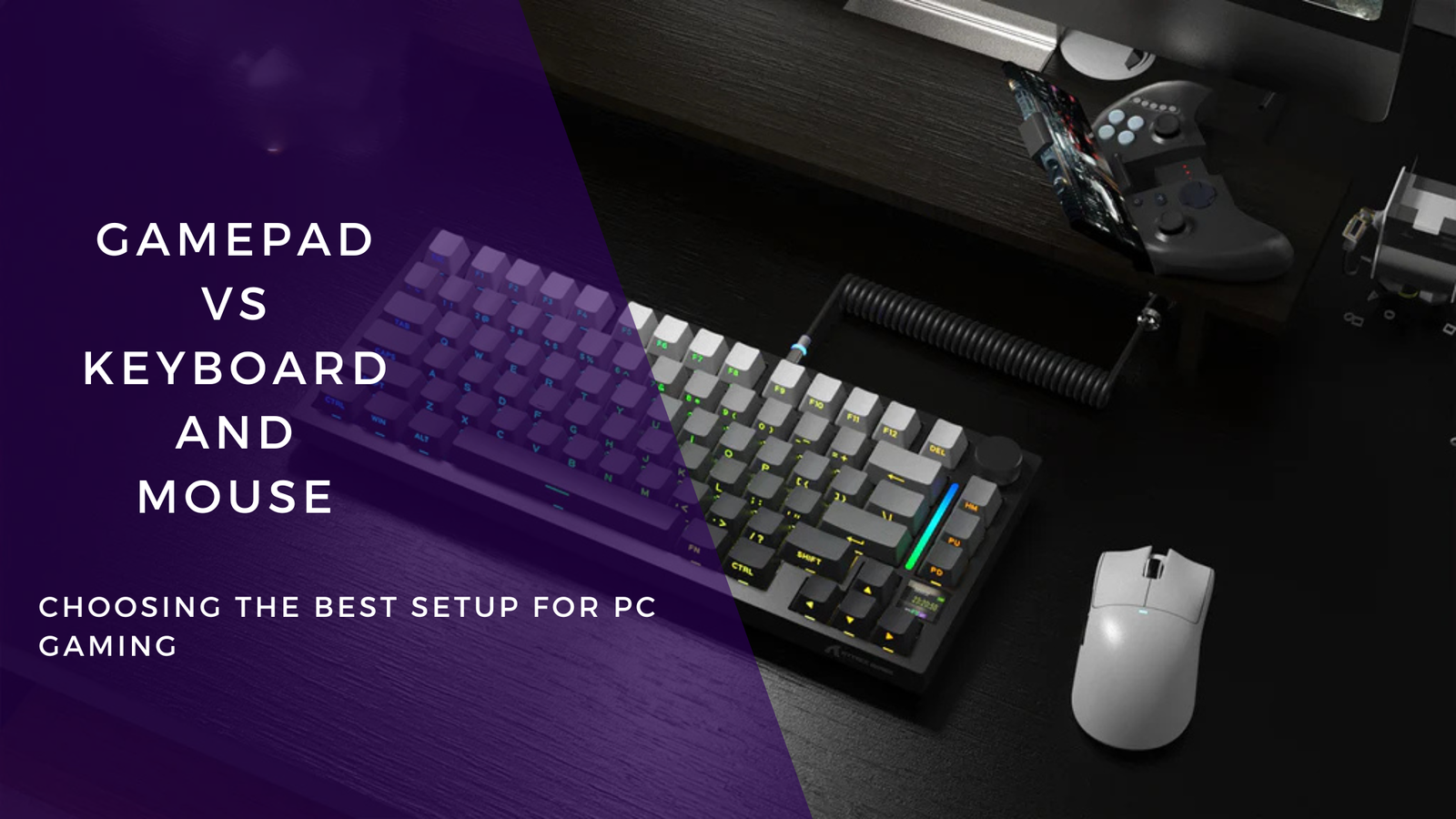
The debate between using a gamepad or a keyboard and mouse for PC gaming has existed for years. Each setup offers unique advantages depending on the game genre and your playstyle. Whether you prioritize precision, comfort, or customization, choosing the right controller can seriously impact your gaming performance.
This guide compares both input methods in a professional and practical way to help you decide what works best—or whether a hybrid approach makes more sense.
How Gamepads and Keyboard + Mouse Differ
Although both inputs serve the same purpose—controlling gameplay—they work in very different ways:
Gamepad
A handheld controller with analog sticks, pressure-sensitive triggers, and grouped buttons. It’s designed for ergonomic use and fluid directional movement.
Keyboard + Mouse
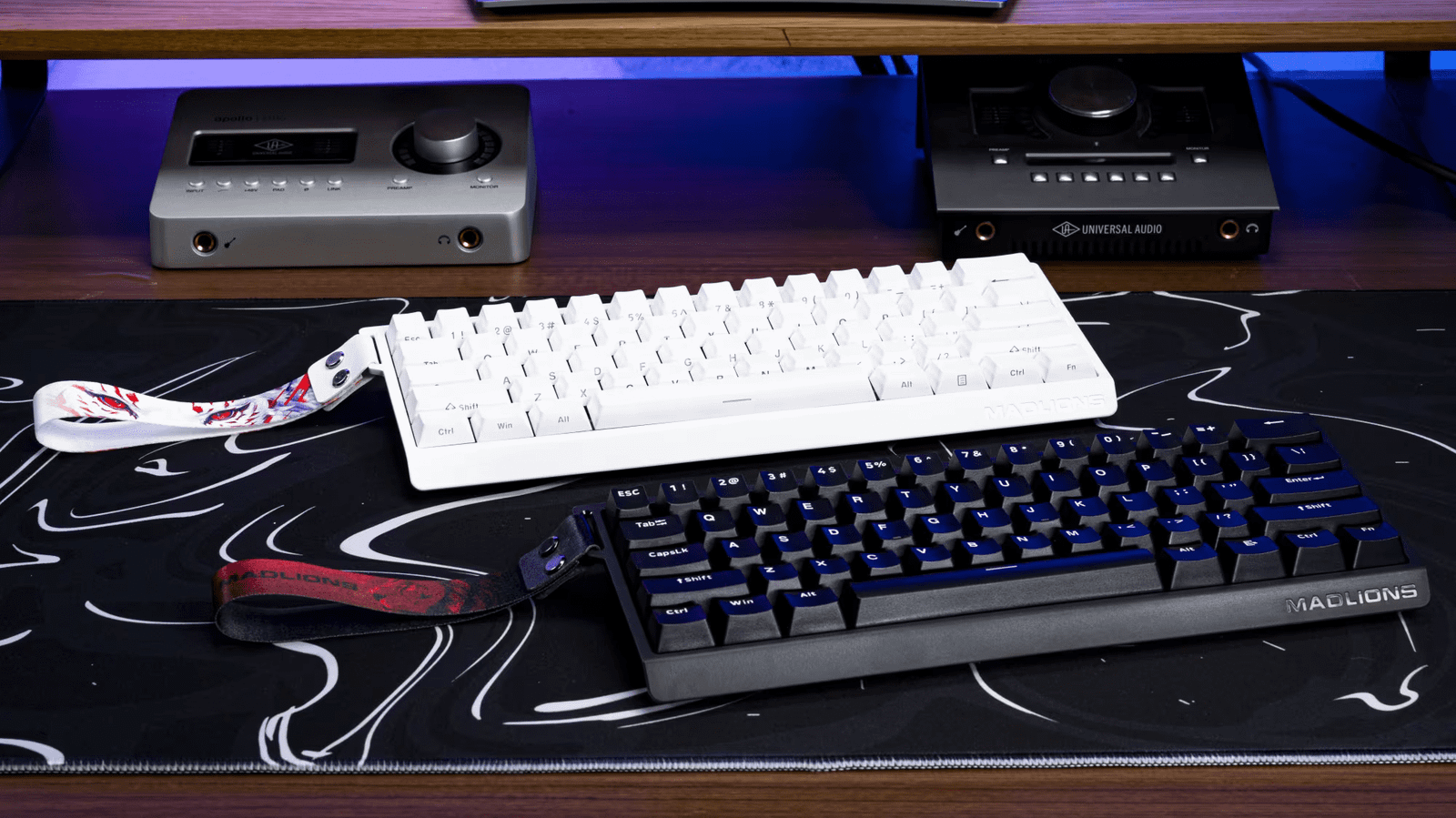
A two-device combo where the keyboard handles movement, shortcuts, and commands, while the mouse delivers high-speed aiming and precise directional control.
These hardware differences influence performance, comfort, and gameplay style.
Advantages of Using a Gamepad
✅ Ergonomic Design
Gamepads are built to fit naturally in your hands. The button and stick placement reduces strain during long gaming sessions.
✅ Analog Control
Triggers and sticks can detect subtle pressure changes. This enables variable movement like light steering, slow walking, or gradual acceleration.
✅ Simple Setup
Most modern PC games include plug-and-play support for controllers. There’s no need to configure complicated key binds or macros.
Why Keyboard and Mouse Still Dominate in PC Gaming
✅ Superior Precision
Aiming with a mouse provides micro-level accuracy unmatched by analog sticks. This is essential in shooter and tactical games.
✅ Extensive Customization
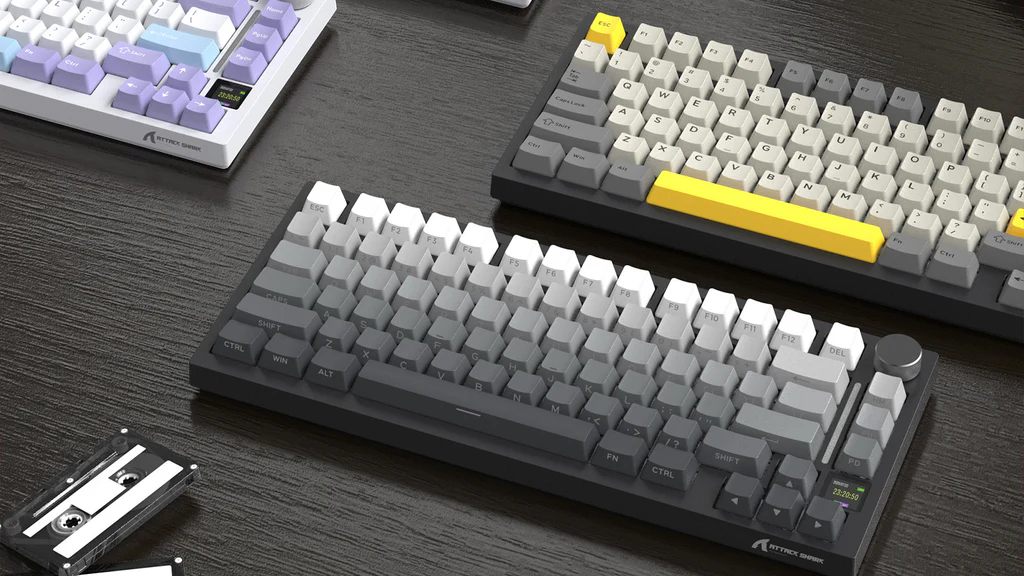
With access to dozens of keys and programmable shortcuts, you can trigger commands instantly—especially useful in RTS, RPG, and MMO titles.
✅ No Extra Hardware Needed
Since keyboards and mice are already standard PC tools, you get dual use without buying extra gear.
Best Input Method by Game Genre
Here’s how each control method performs in popular game categories:
| Game Genre | Ideal Input Method | Why |
|---|---|---|
| FPS / Tactical Shooters | Keyboard + Mouse | Precision aiming, fast response |
| Racing / Driving / Flight | Gamepad | Analog control and pressure triggers |
| Fighting / Platformers | Gamepad | Better directional handling and combos |
| Strategy / MMO / RTS | Keyboard + Mouse | Access to multiple commands and macros |
| Action / Adventure / RPG | Mixed | Gamepad for movement, mouse for aiming |
Why Many Gamers Use Both
A growing number of PC players keep both a gamepad and a keyboard + mouse nearby. For example:
- Use a mouse and keyboard for competitive FPS.
- Switch to a controller for racing, sports, or exploration.
- Some titles even allow instant swapping mid-game.
Flexibility is often the best strategy.
What to Look for in Gaming Gear
If you’re upgrading your setup, here are the essentials:
🎮 Gamepad Features
- Comfortable grip and build quality
- Wired or wireless options
- Responsive triggers and analog sticks
- Extra remappable buttons (optional)
⌨️ Gaming Keyboard
- Mechanical or membrane switches
- Anti-ghosting and N-key rollover
- Macro support
- Backlighting or RGB (optional)
🖱️ Gaming Mouse
- Adjustable DPI/sensitivity
- High polling rate
- Additional buttons
- Lightweight or ergonomic shell
Conclusion
There’s no universal “winner” between a gamepad and a keyboard + mouse—the best choice depends on the game and how you like to play. For fast, precision-heavy genres like FPS and RTS, keyboard and mouse clearly lead. For racing, platforming, and couch-style play, a gamepad feels more natural.
If you want maximum control and versatility, using both devices interchangeably is the smartest approach. By understanding what each excels at, you can optimize your gameplay across every genre.